To the kitchen
Orders go straight to the kitchen screen.
Kiosk orders land on your kitchen display or POS.
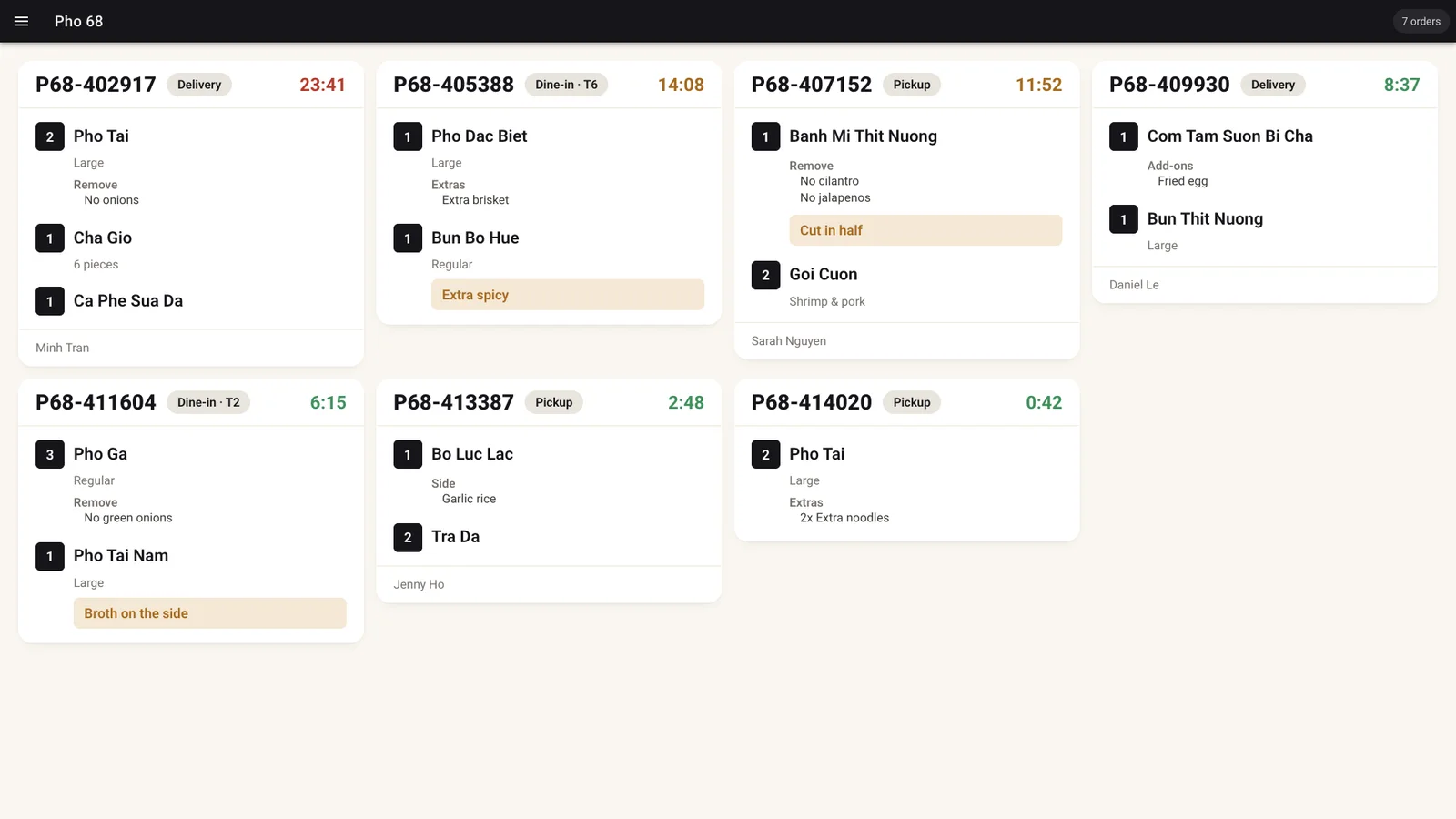
A self-order kiosk with upsells and rewards. Orders go straight to your kitchen.
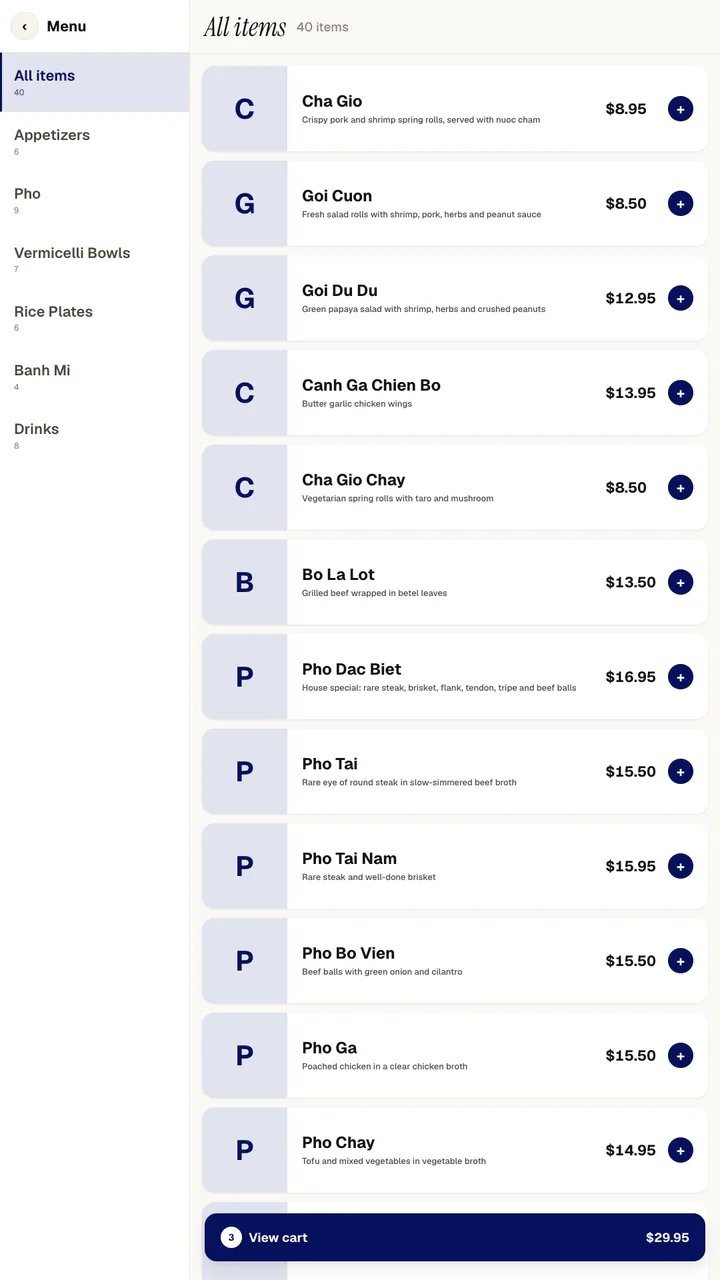
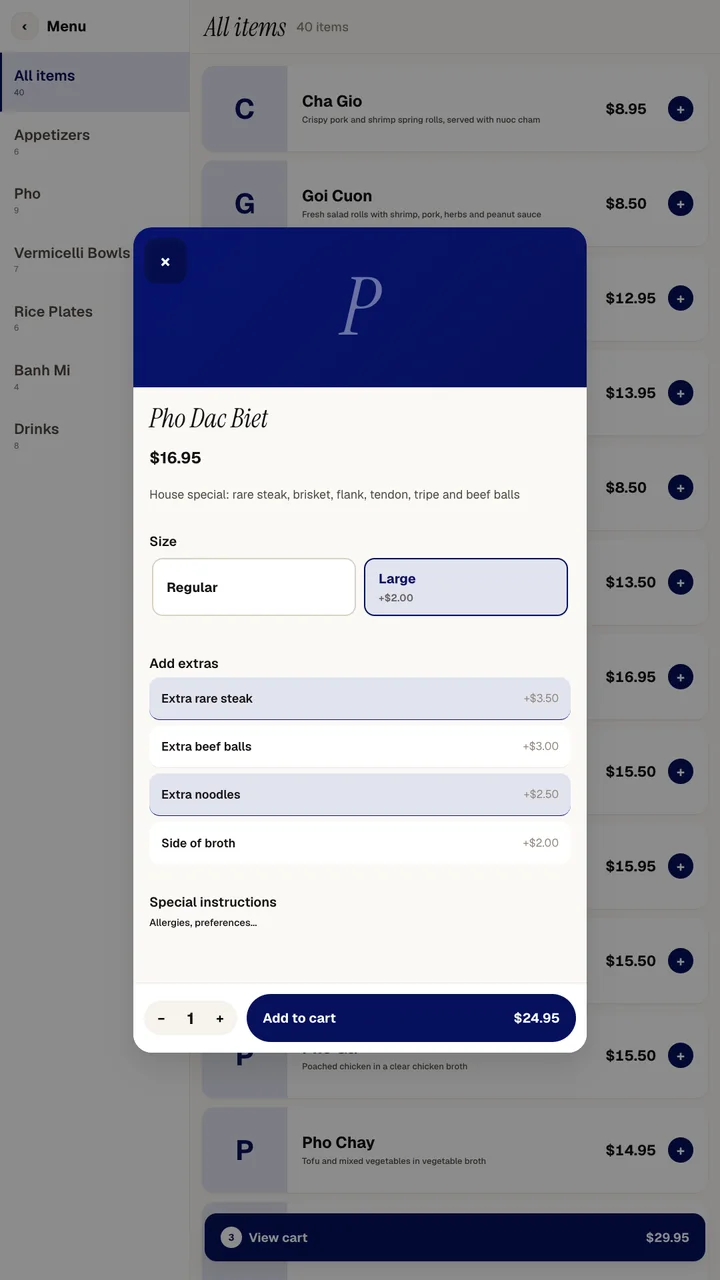
Sizes, add-ons and special instructions, with prices shown.
A "Before you go" screen suggests add-ons for their order.
Guests pick at checkout. Dine-in can ask for a table.
Kiosk orders land on your kitchen display or POS.
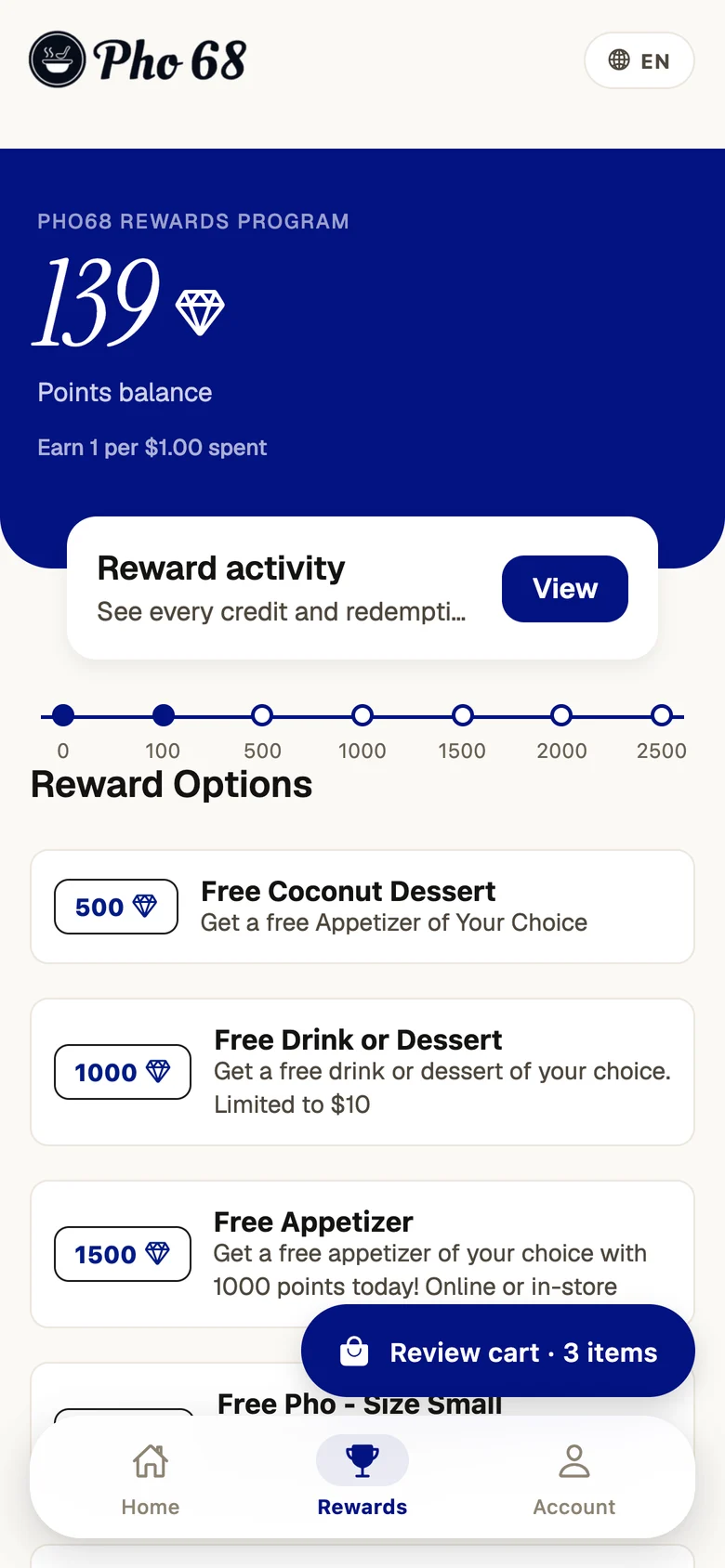
Guests sign in by phone or QR and redeem rewards.
Idle for 45 seconds? It checks, then starts fresh.
Your Menuro menu, with the same items, prices and coupons. Changes show after the kiosk reloads.
Yes. They sign in by phone number or by scanning their QR code, then redeem points, coupons or vouchers.
An Android touch screen in portrait. Receipts print on a USB thermal printer.