
A restaurant in Brooklyn started opening on Mondays. Six months later, their Google Business Profile still said "Closed" every Monday. Restaurant marketing consultant Rev Ciancio discovered the error during a routine audit and estimated the owner had lost 25 to 30 covers every single Monday for half a year. At an average check of $40 per person, that one wrong line on one free listing cost roughly $50,000 in revenue.
This is not an unusual story. Popmenu analyzed over 10,000 independent restaurant Google Business Profiles in 2024 and found that 56% had at least one significant error: wrong hours, missing menu, incorrect website link, or wrong phone number. Amanda Torgerson, Popmenu's VP of Marketing, said the restaurants that cleaned up their profiles saw an average 22% increase in website traffic from Google within 60 days (Popmenu 2024 Online Dining Trends Report).
Your Google Business Profile has likely become your most-viewed piece of marketing. More people see it than your Instagram. More people read it than your website homepage. And according to BrightLocal's 2024 data, 84% of those views come from discovery searches — people typing "Thai food near me" or "best brunch downtown," not your restaurant's name. If your profile has errors, those high-intent searchers pick someone else.
Three specific mistakes show up over and over. Each one is free to fix and takes less than fifteen minutes.
Mistake 1: Your Hours Are Wrong (and Google Might Have Changed Them Without Telling You)
Wrong hours are the most expensive Google Business Profile error a restaurant can have. According to BrightLocal's 2024 Local Consumer Review Survey, 63% of consumers said incorrect business information — wrong hours, wrong address, wrong phone number — would stop them from choosing that business entirely. They don't call to verify. They pick the next result.
The problem goes beyond forgetting to update your holiday schedule. Google allows anyone — any user, any competitor — to "suggest an edit" to your listing. Mama's Fish House in Paia, Maui, one of the highest-grossing independent restaurants in the country, had a Google user suggest an edit in 2023 that changed their status to "Temporarily Closed." The incorrect status stayed up for four days before anyone caught it. Owner Floyd Christenson told the Maui News that phone reservations dropped roughly 60% during those four days, costing an estimated $50,000-plus in revenue.
Four days. One wrong field. $50,000.
Google can also auto-update your hours based on aggregated data from third-party sites, user reports, or even patterns in Google Maps foot traffic data. If your Yelp page shows old COVID hours and Google pulls from it, your GBP hours can silently revert.
What to do right now: Open your Google Business Profile manager. Check every single time slot, including special hours for upcoming holidays. Set a recurring calendar reminder to verify hours on the first of every month. Enable GBP notifications so you get alerted when someone suggests an edit. This takes five minutes and protects thousands of dollars.
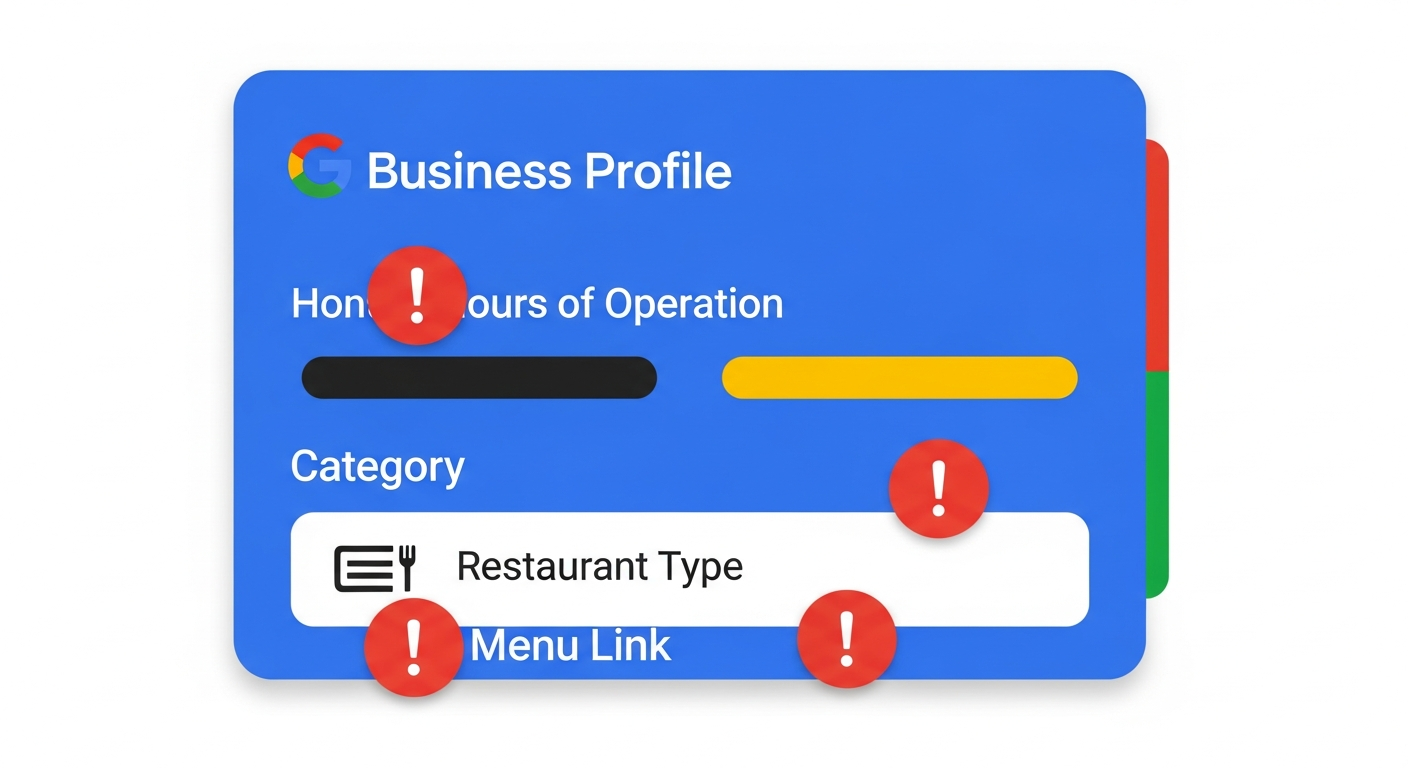
Mistake 2: Your Primary Category Is Too Broad
Moz's 2024 Local Search Ranking Factors report ranks primary category selection as the single most important on-page factor for local search ranking. Choosing "Restaurant" when you should choose "Italian Restaurant" or "Sushi Restaurant" can reduce your visibility for specific cuisine searches by 30 to 50%.
Think about how people search. Nobody types "restaurant near me" when they're hungry for pad thai. They type "Thai restaurant near me" or "Thai food delivery." If your primary category is the generic "Restaurant," Google has less reason to surface you for those specific, high-intent queries.
Curry Up Now, the Indian fast-casual chain that started as a food truck in the San Francisco Bay Area, shared at the 2024 Restaurant Leadership Conference that a GBP audit revealed their flagship San Jose location was listed under "Indian Restaurant" instead of the more specific "Indian Fast Food Restaurant" and "Indian Takeaway." After recategorizing and adding structured menu data, their local search impressions increased 41% in 60 days, and click-to-call actions rose 28%. They attributed approximately 50 additional weekly orders to the improved visibility (covered by FastCasual.com).
The Absolute Brands, a multi-unit operator in Dallas-Fort Worth, found four locations listed as the generic "Restaurant" instead of their specific cuisine type. After corrections guided by local SEO agency Whitespark, those locations saw a 23% increase in Google-driven calls and a 17% increase in direction requests within 90 days — translating to an estimated 30 to 45 additional covers per week per location (Whitespark case study library 2024).
Joy Hawkins, owner of Sterling Sky and a leading contributor to Moz's local ranking research, put it bluntly: "The three most common Google Business Profile errors I see with restaurants are wrong or overly broad primary category, outdated hours, and missing or broken menu links. Any one of these can push you out of the local 3-pack, and for restaurants, that's the difference between being found and being invisible."
That local 3-pack matters enormously. According to Backlinko's 2024 Local SEO Study, 42% of local searchers click on results within the Google Map Pack. The restaurant in position one gets 24.4% of all clicks; position three gets only 8.1%. Fall out of the pack entirely and you're competing for scraps.
What to do right now: Log into your GBP manager and check your primary category. Google offers dozens of restaurant-specific categories: Mexican Restaurant, Seafood Restaurant, Ramen Restaurant, Pizza Restaurant, Vegan Restaurant, and many more. Pick the most specific one that matches what you serve. You can add secondary categories too — if you're a Mexican restaurant that also does catering, add "Caterer" as a secondary. This takes three minutes.
Mistake 3: Your Menu Is Missing, Broken, or Outdated
Popmenu's 2024 data shows that 77% of diners visit a restaurant's website or online menu before deciding where to eat. If the menu on your Google Business Profile is missing, links to a dead page, or shows last season's prices, the majority of those diners move on to the next option.
Pizzeria Locale, the fast-casual pizza concept in Denver, worked with SOCi to optimize their GBP listings in 2024. One location had a website URL that still pointed to an old Chipotle-era landing page (Chipotle had previously been an investor). After correcting that single broken link, online orders from that location increased 40% within 30 days (SOCi 2024 case study, referenced in Nation's Restaurant News).
A broken menu link does double damage. First, the diner who clicked doesn't see your food and leaves. Second, Google tracks engagement signals. When users click your menu link and immediately bounce back to search results, Google interprets that as a poor experience and may rank your listing lower over time.
Restaurants that upload a menu to their GBP see a 15 to 25% increase in "website visit" actions from the profile, according to Popmenu's 2024 Restaurant Marketing Report. Google also lets you add menu items with descriptions and prices directly to your profile, which means diners can browse without leaving Google at all.
What to do right now: Click your own menu link from your GBP listing. Does it load? Does it show current items and current prices? If you use a PDF menu, consider switching to a web-based menu that loads on mobile without downloading a file. Add your most popular items with prices and descriptions directly in the GBP menu editor. This takes ten to fifteen minutes.
The Revenue Math on 40 Lost Covers a Week
So what does all of this add up to? Let's run the numbers conservatively.
A complete Google Business Profile is 70% more likely to attract location visits and 50% more likely to lead to a purchase than an incomplete one, according to Google's own documentation as cited in SOCi's 2024 Local Visibility Report. Businesses with complete and accurate listings receive 7x more clicks than incomplete ones (Google/Ipsos research, referenced in Moz 2024).
The average Google Business Profile in the restaurant category receives about 1,000 searches per month, with 56% resulting in a direct action like a call, direction request, or menu view (BrightLocal 2024). SOCi's 2024 data shows that 28 to 35% of those actions convert to an actual visit.
Say your profile gets 1,000 searches a month. With errors dragging down your engagement by even 20% — the figure SOCi found for a single inaccurate data point — that's 200 fewer searches converting to actions. At a 30% action-to-visit rate, you've lost 60 potential diners a month, or about 15 a week from that one error alone.
Stack two or three errors and the losses compound. Wrong hours on one day costs you every potential diner searching on that day. A broad category costs you ranking position for your most relevant searches. A broken menu link costs you the diners who found you but couldn't see your food.
Forty lost covers a week is a realistic estimate for a restaurant with two or three of these errors. At a $45 average check, that's $1,800 per week, $7,200 per month, and $93,600 per year. Even at a more conservative $35 check, you're looking at $72,800 per year walking past your door to the restaurant next door.
And that's before lifetime value. SevenRooms' 2024 Customer Lifetime Value Study found that the average CLV of a full-service restaurant customer is approximately $2,200 over a three-year relationship. A lost first-time visitor due to a GBP error doesn't cost you one meal — it costs you 12 to 15 future visits.
The Bonus Errors Worth Fixing While You're In There
Once you've fixed the big three, spend another fifteen minutes on these:
Fill out every attribute. Restaurants that use all available GBP attributes — outdoor seating, delivery, Wi-Fi, wheelchair accessibility, reservations — receive 29% more actions than those that leave attributes blank, according to Joy Hawkins' analysis at Sterling Sky (Local Search Forum 2024).
Upload recent photos. Google Business Profiles with more than 100 photos get 520% more calls and 2,717% more direction requests than the average business, per Synup's 2024 analysis of Google My Business Insights data. You don't need a professional photographer. Take ten well-lit photos of your best dishes, your dining room, and your exterior every month.
Respond to every review. Restaurants that respond to reviews see 12% more reviews submitted and an average 0.12-star rating increase over 12 months (Uberall 2024 Reputation Management Benchmark). Only 48% of restaurant owners respond to reviews, according to Toast's 2025 Restaurant Trends Report, so doing this puts you ahead of half your competition.
Post weekly. Pizzeria Locale found that adding Google Posts weekly increased profile views by 18% (SOCi 2024). A post can be as simple as a photo of today's special with a one-sentence description.
Damian Rollison, VP of Market Insights at SOCi, summarized the pattern across 1,000-plus restaurant locations: "Locations scoring in the top quartile for GBP completeness outperform bottom-quartile locations by 33% in Google-driven foot traffic. The three biggest gaps are always specific category selection, complete and current hours, and photo recency" (SOCi 2024 State of Local Marketing Report).
Greg Sterling, co-founder of Near Media, added the urgency: "More than 50% of restaurant-related searches result in a visit within 24 hours. If your profile has errors, you're not losing a click — you're losing a same-day customer who is ready to spend money."
Your 15-Minute GBP Audit Checklist
- Hours: Verify every day, including special hours for the next 30 days of holidays. Enable edit notifications.
- Primary category: Switch from generic "Restaurant" to your specific cuisine type. Add relevant secondary categories.
- Menu link: Click it yourself on a phone. If it's broken, slow, or shows outdated items, fix it or replace it.
- Phone number: Call it. Does it ring? Does someone answer during business hours?
- Attributes: Fill in every one that applies to your restaurant.
- Photos: Upload at least 10 new photos. Include food, interior, exterior, and your team.
- Reviews: Respond to your last 20 unanswered reviews.
This audit takes fifteen minutes. The three core fixes take less than five. The potential upside, based on the case studies above, ranges from 30 to 50 additional covers per week.
Toast's 2025 Restaurant Trends Report found that 65% of operators say managing their online presence is a top-three marketing challenge, yet only 31% audit their Google Business Profile more than once per quarter. Set a monthly reminder. Protect the listing that more people see than any other piece of your marketing.
See How Menuro Helps You Turn Google Searchers Into Direct Customers
Once your Google Business Profile is driving traffic the way it should, the next question is where those clicks land. Menuro gives you a branded ordering experience that keeps customers coming back to you — not a third-party marketplace. If you want to see how it works for your restaurant, book a quick demo at menuro.io/demo.